Screenspiration app icon Screenspiration

Quiet inspiration,
always on.

A calm, ever-changing card of the world's wisdom — living in your Mac's menu bar, drifting across your desktop, always one glance away.

Download on the Mac App Store Free to try — no card required.
What it is

Screenspiration keeps a quiet stream of inspiration drifting across your desktop. No Dock clutter, no window to manage — it lives in the menu bar and gently rotates a single translucent card, so a good idea is always one glance away. You choose what inspires you, and how often it changes.

Choose what inspires you

Six collections. Turn on the ones that speak to you.

Voices

Quotes from thinkers, makers, and doers across history.

Proverbs

Folk wisdom from world languages, many read aloud in their native tongue.

Words

A single word or virtue to sit with.

Virtues

Timeless qualities drawn from many traditions.

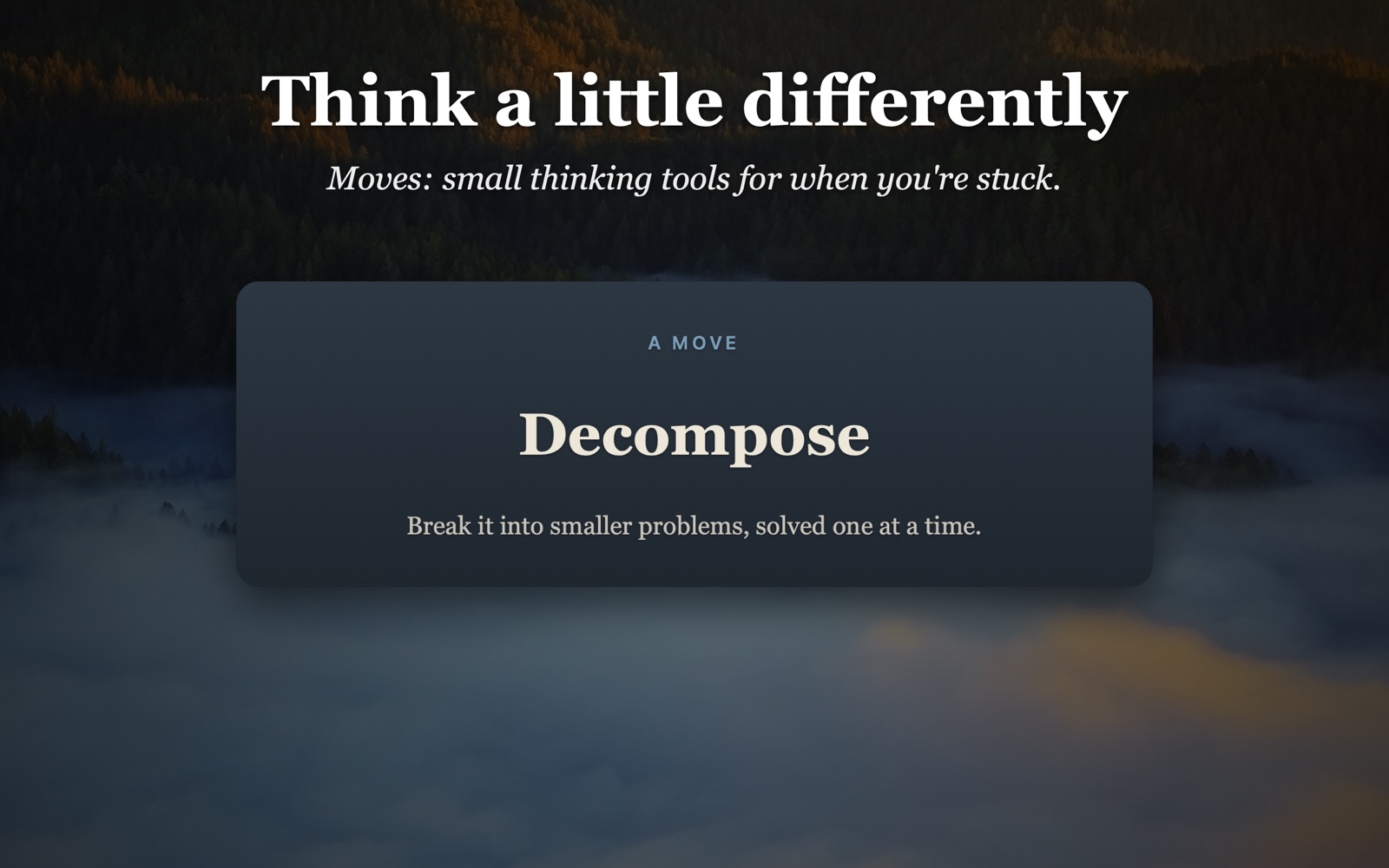
Moves

Thinking tools to shift your perspective when you're stuck.

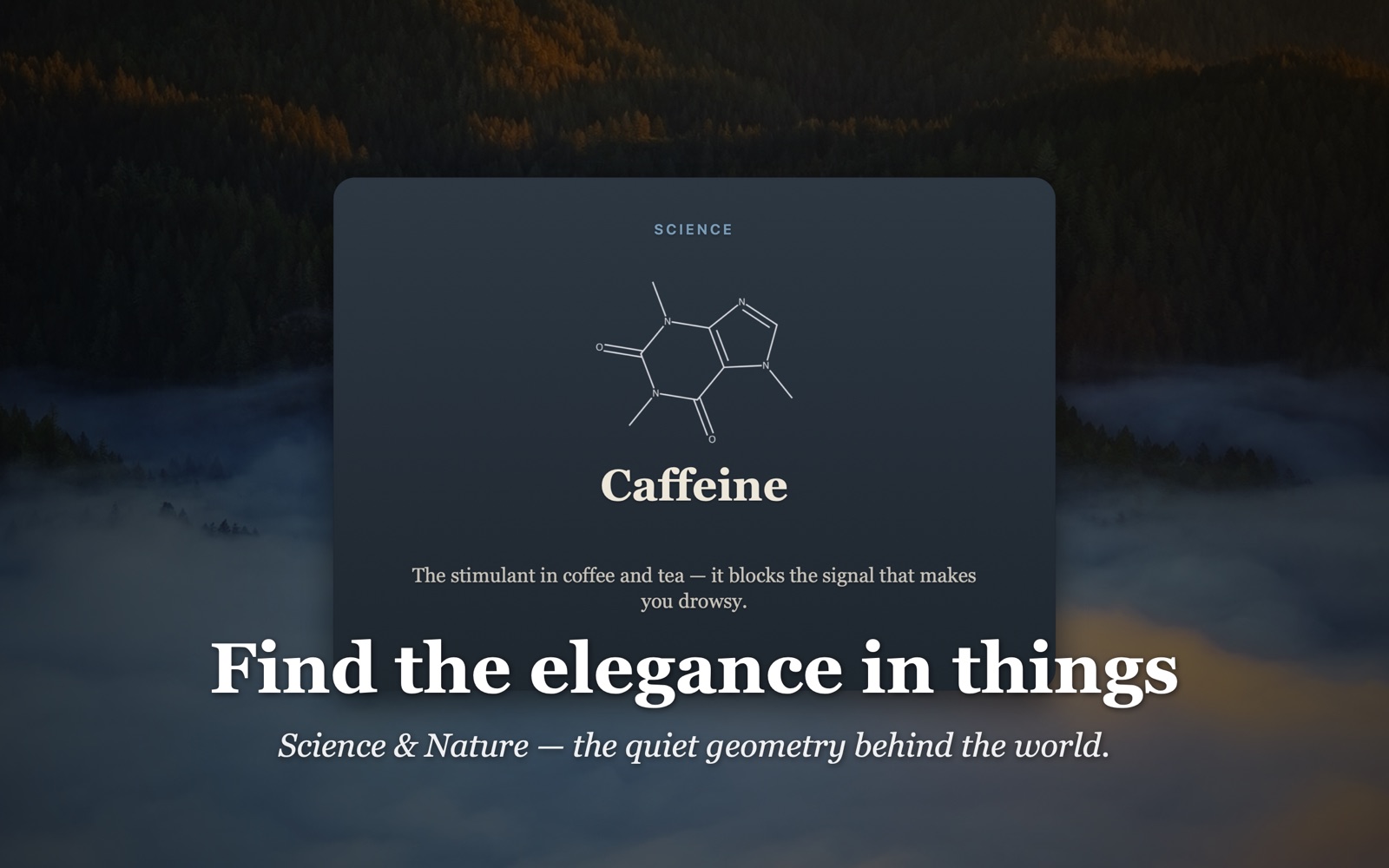
Science & Nature

The elegance of formulae and the structures of important molecules.

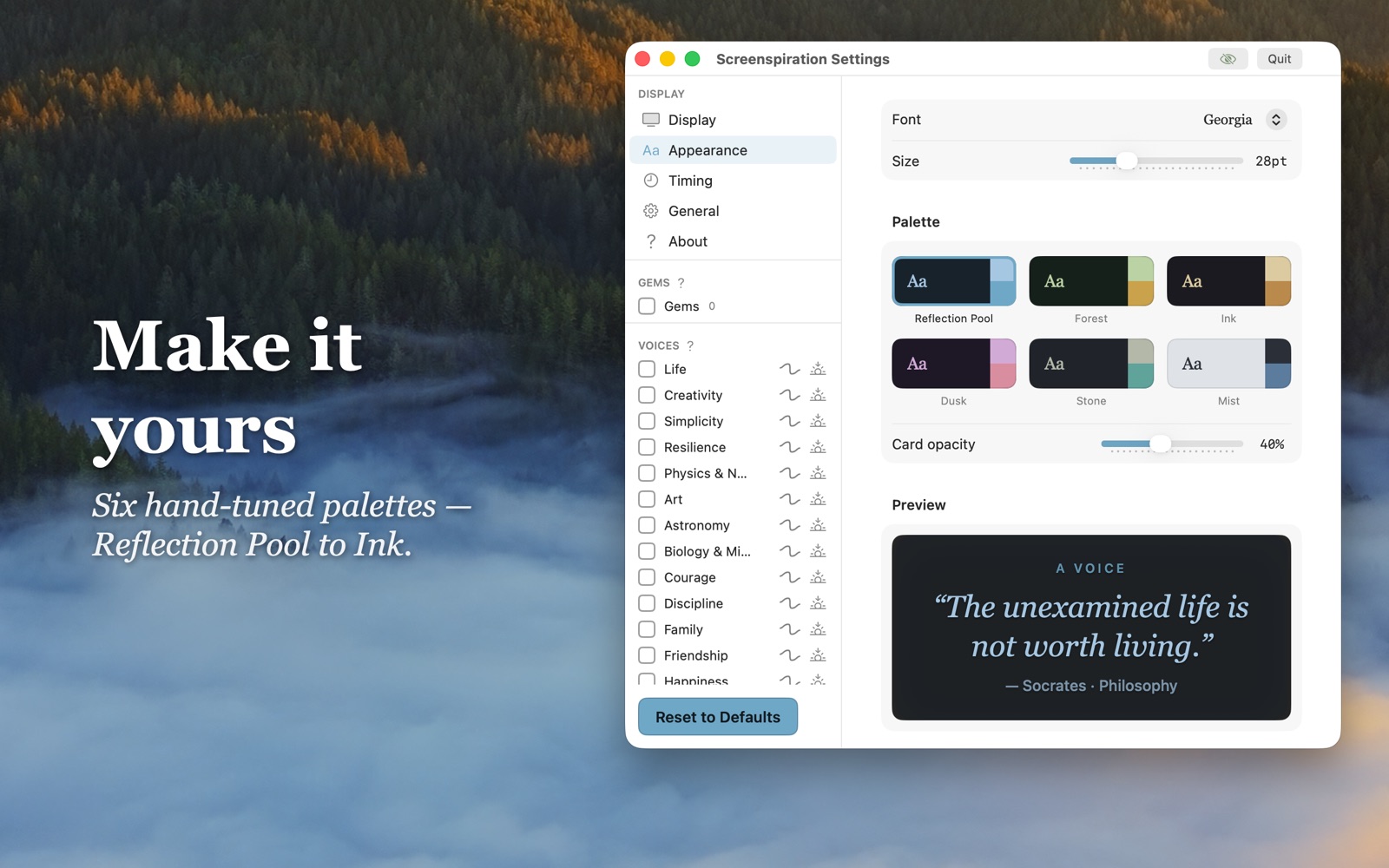
Make it yours

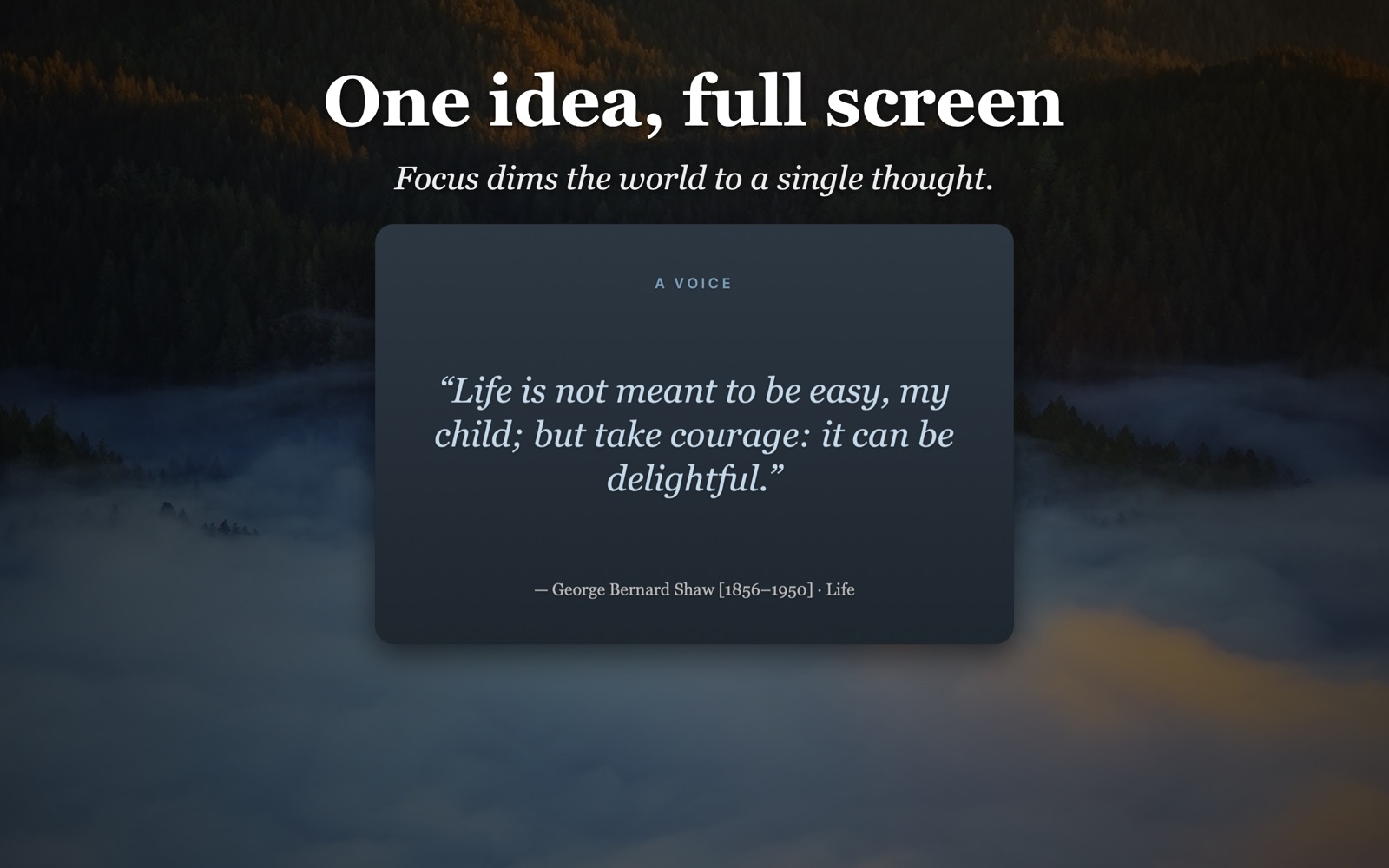
Pick your lists, set the rhythm, and choose from six calm palettes. Pull any idea full-screen with Focus. Save the lines that land as Gems, and let just those rotate. Build your own lists, too.

Screenspiration palettes
Six calm palettes
Focus mode, one idea full screen
One idea, full screen
Moves — thinking tools
Think a little differently
Science & Nature card
Find the elegance in things
Completely private

No account. No internet. No tracking. Speech is on-device — nothing ever leaves your Mac. Screenspiration collects no data of any kind.

Honest pricing

Free 14-day trial — everything, no card
$20 / year  ·  or $50 once, for life
  • Free forever: Voices, Words, and Proverbs, the ambient overlay, and the default palette.
  • Sage unlocks Virtues, Moves, Science & Nature, every palette, Focus, custom lists — and every future collection.
  • No locks, no dark patterns — premium features are simply shown, gently greyed, until you're ready.

Download on the Mac App Store

Support & FAQ

Questions, bugs, or feedback? Email UtaguchiLabs@gmail.com and I'll get back to you.

Where is the app? I don't see a window.
Screenspiration lives in your menu bar (look for the icon near the clock), not the Dock. Click it for the controls and settings.
How do I choose what shows up?
Open Settings from the menu-bar popover. Tick any list under a category — Voices, Proverbs, Words, Virtues, Moves, Science & Nature — to include it in the rotation. You can build your own lists too.
How do I change how often it changes?
Settings → Timing. Pick an interval from ten seconds to a day. There's a separate rhythm for the full-screen Focus view.
How do I hide it for a screenshot or presentation?
Use the hide control in the popover or the Settings title bar. Cards are also excluded from screen recordings and shares by default.
What's Sage?
The optional premium unlock — Virtues, Moves, Science & Nature, all six palettes, Focus, custom lists, and every future collection. $20/year, or $50 once for life. Voices, Words, and Proverbs stay free forever.
Does it work offline / collect any data?
Yes, fully offline, and it collects no data. See the Privacy Policy.